Get Started
Spots filling fast for Class of 2031 — get featured before move-in day!
Class of 2031 is here

Meet your crew before campus even starts

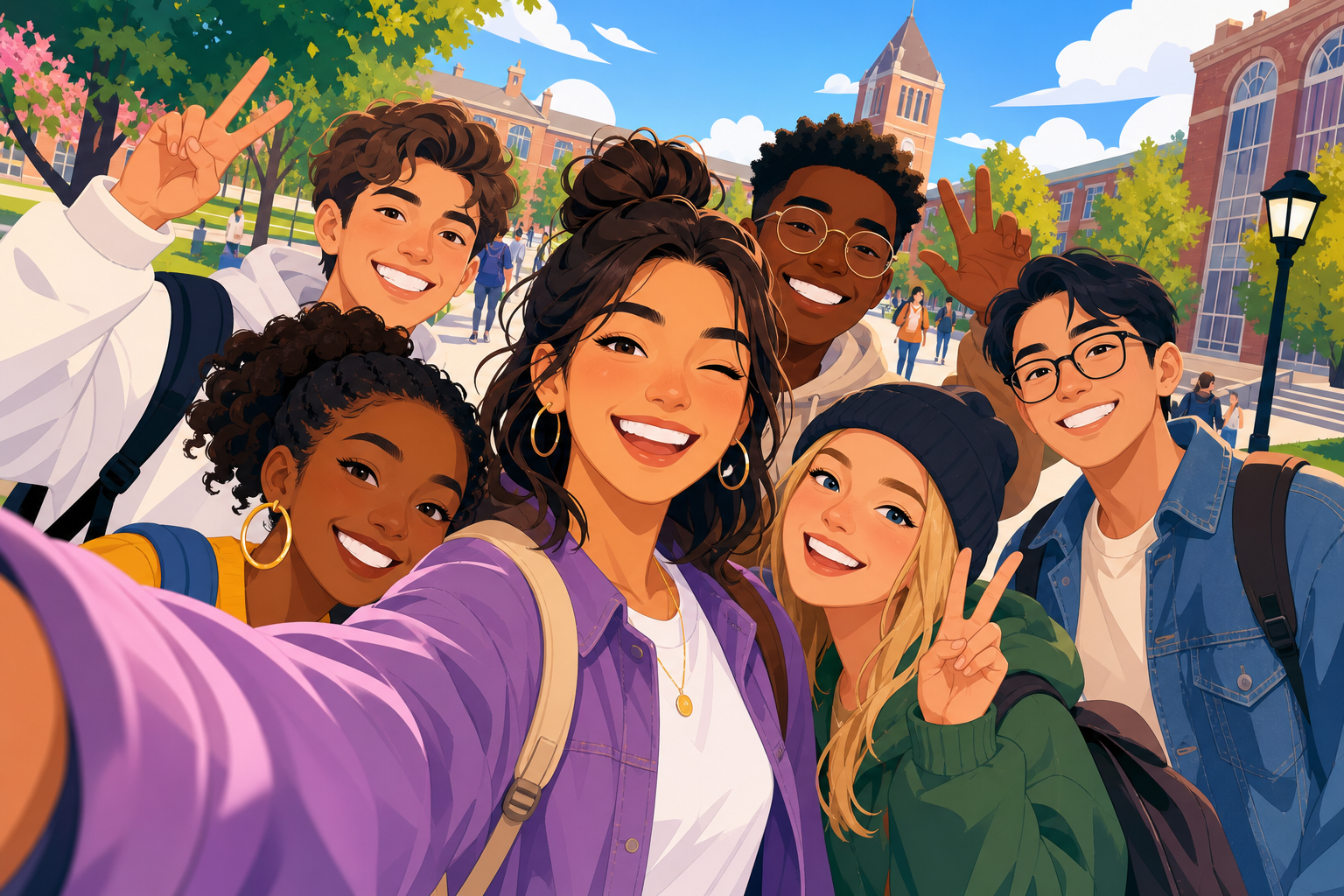
Get a pro Instagram feature, a branded frame for your best photo, and connect with classmates at your school.

Select your school

Choose your university to begin your submission to checkout.
10K+ Students featured
300+ Schools
3 min To submit
Students connecting on campus Framed student post example Framed student post example
What's Included

Everything you need to stand out

One submission. Three awesome perks. Zero awkward small talk in the dorm hallway.

Professional Profile Creation

Build a polished student profile with your major, hometown, bio, and Instagram — ready to share with your class.

Instagram Feature Post

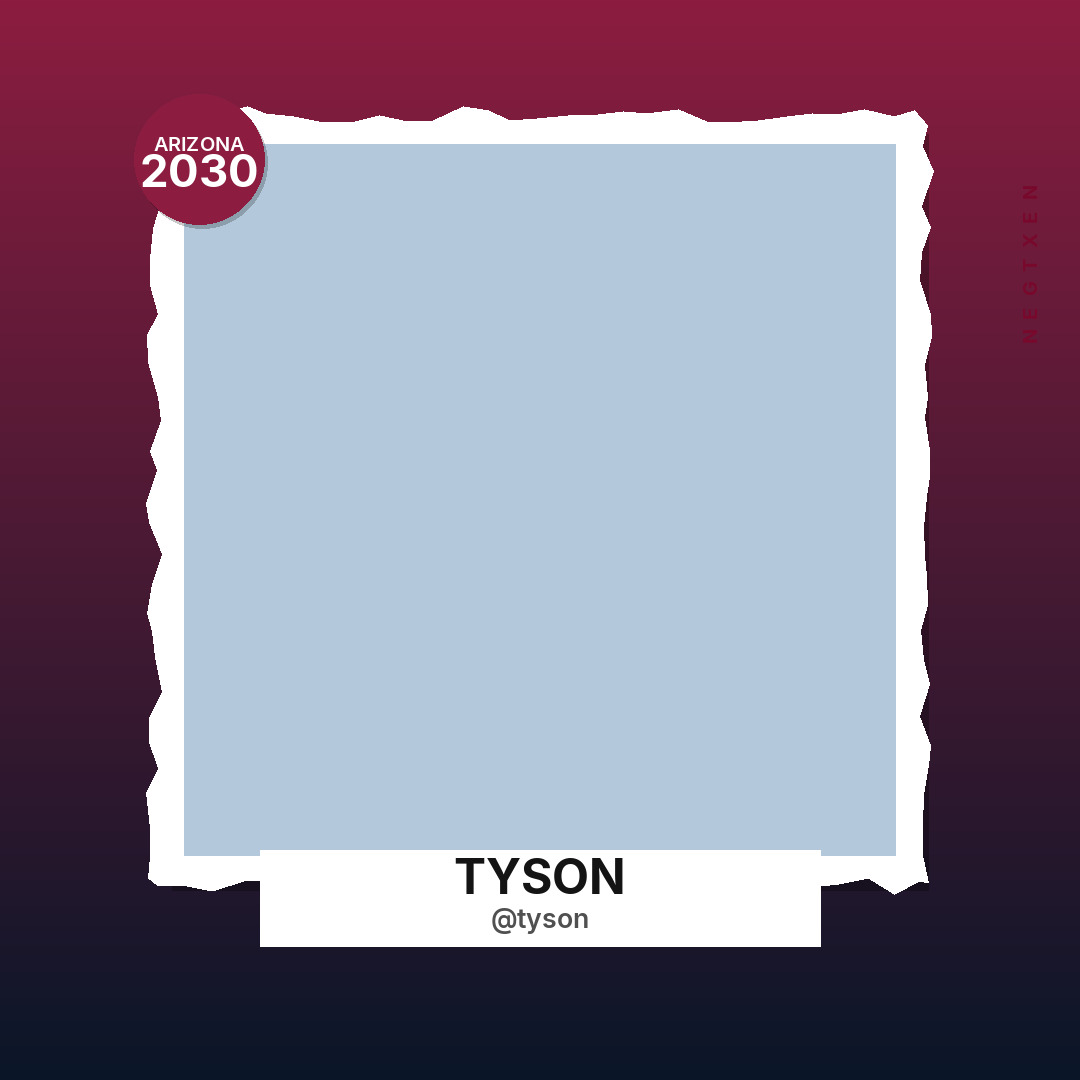
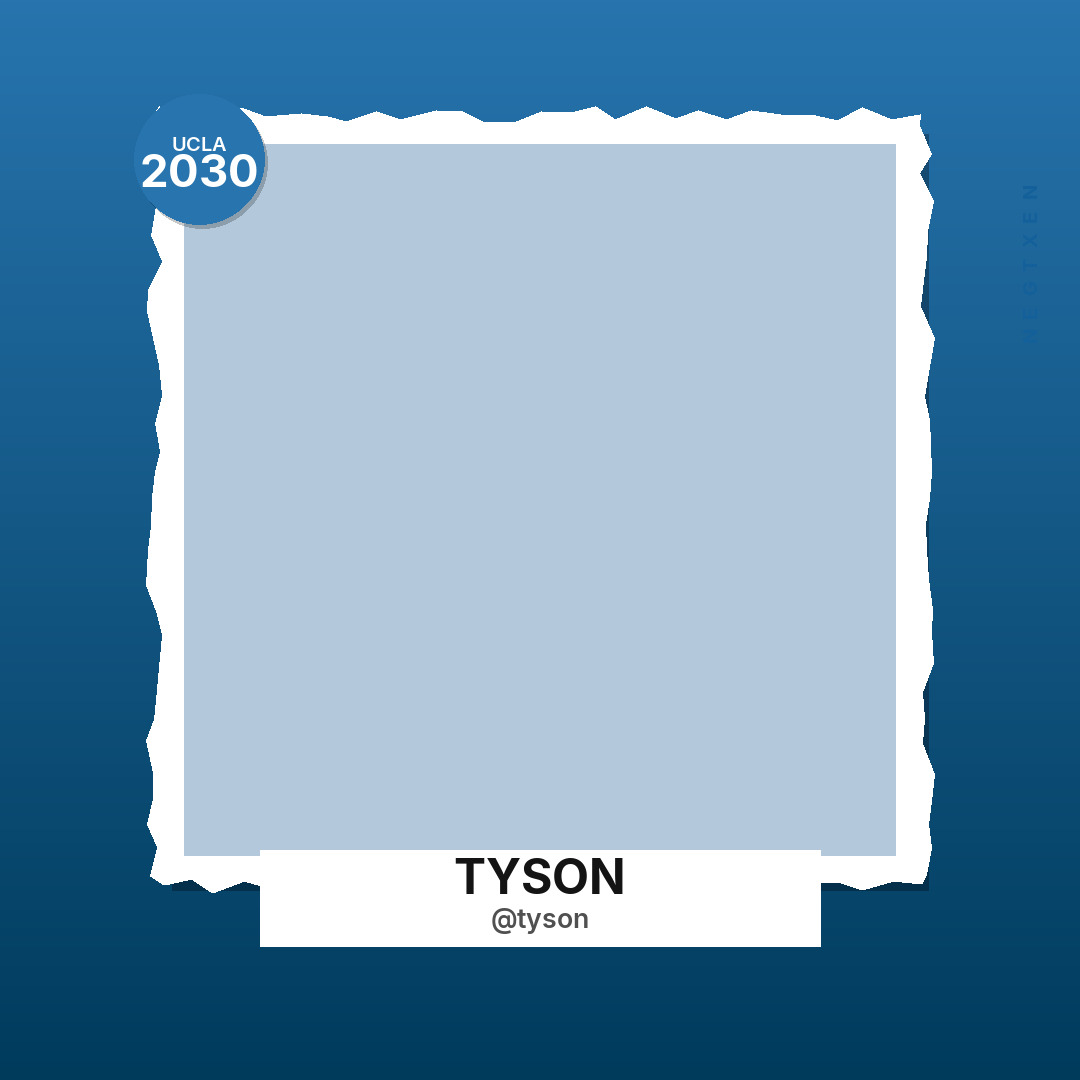
Get featured on our page with a custom-branded frame in your school colors. Likes, DMs, and new friends incoming.

Connect with Classmates

Find people from your school before move-in. Same major? Same hometown? Your future bestie might be one scroll away.

How It Works

Five steps to featured

Fill in your details, preview your post, choose a package, and checkout. Easy peasy.

1

Select Your School

Pick your university from the list and we'll tailor your frame to your school colors.

2

Fill In Your Details

Add your name, Instagram, major, and a short bio so classmates can find you.

3

Upload Your Photos

Add 3–10 photos and pick your cover — we'll apply your custom branded frame instantly.

4

Preview Your Post

See exactly how you'll look on Instagram, tweak your caption, and swap your cover before you commit.

5

Choose Package & Checkout

Pick the feature level that fits you, pay securely, and you're on your way to going viral.
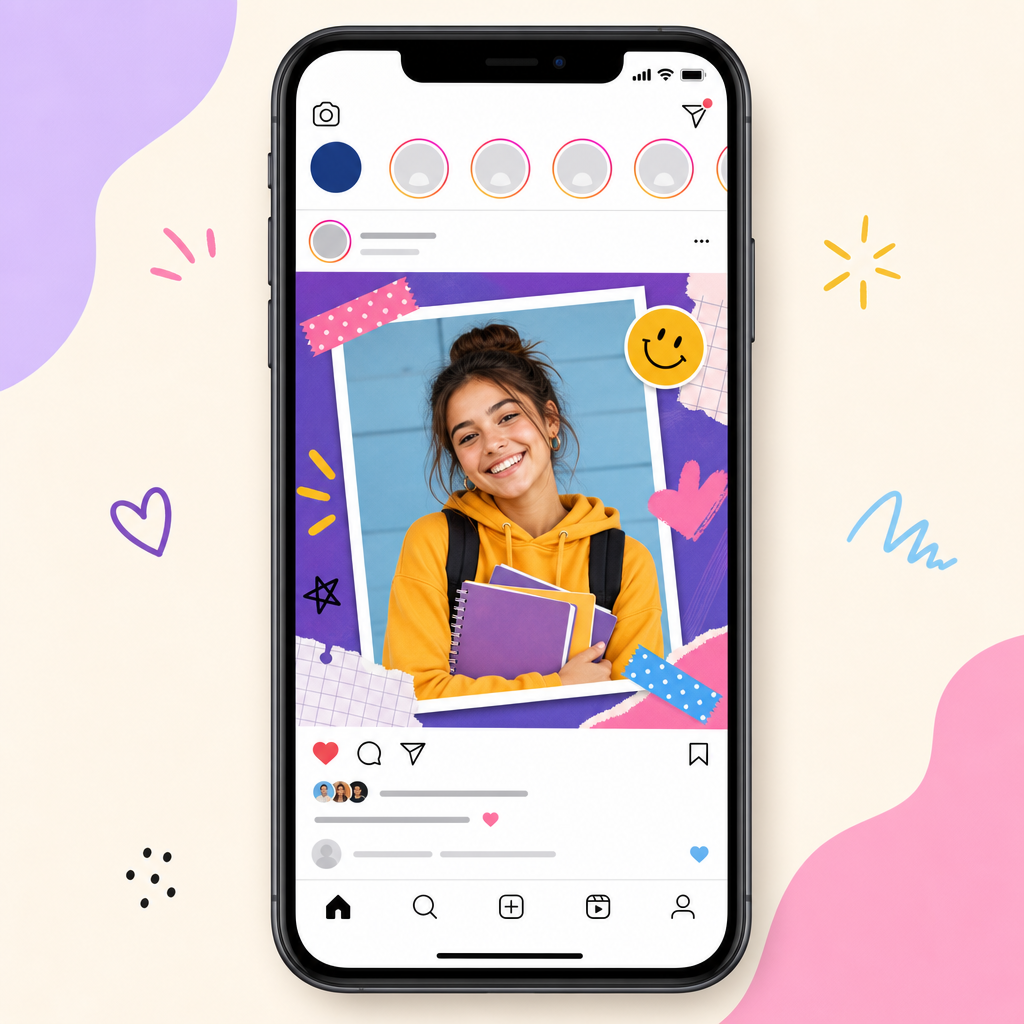
Instagram feature preview

Your photo. Your school. Your frame.

Every cover photo gets a custom-designed frame with your school badge, class year, and name — built to look fire on the feed.

  • School-branded gradient & badge
  • Your name + Instagram handle
  • Instant preview before you pay
  • Swap your cover photo anytime
Let's Go
Pricing

Pick your spotlight

All packages include your profile, framed cover photo, and a spot on our Instagram.

Standard Queue

$10.00
  • Posted within 24 hours
Get Started

Express

$25.00
  • Posted within 1 hour
Get Started
```html
Help Center

Frequently Asked Questions

Find answers to common questions about meeting classmates, sharing your profile, and joining your campus community.

NextGen helps students preparing for college discover people who will be part of their upcoming campus experience. Through our platform and supported social media channels, students can introduce themselves, explore shared interests, meet potential roommates, and start building friendships before the academic year begins.

Start by creating your student profile and adding information about your interests, daily routines, and preferred living arrangements. You can then explore available student profiles and identify people whose preferences are compatible with yours. Use the information provided to start a conversation and decide whether you could be a good match as roommates.

NextGen is designed to make student networking accessible. Basic access can be offered at no charge, while additional services may be available depending on the features provided by the platform. Please review the current pricing information on our website to understand which services are free and whether any optional features require payment.

Creating a respectful online environment is important to us. Depending on the verification features enabled, students may be asked to provide information confirming their connection to a school. Users should also have a way to report suspicious accounts, unwanted interactions, or inappropriate content. We encourage everyone to protect their personal information, communicate responsibly, and review the platform's safety guidelines before interacting with other members.

NextGen aims to give students a convenient place to introduce themselves and develop connections before college. You can explore the platform's available features, read its policies, and contact the support team whenever you need clarification. As with any online community, we recommend verifying information independently and exercising good judgment when communicating with people you have not met in person.

Universities and college representatives interested in collaborating with NextGen can contact our team to discuss possible arrangements. We welcome conversations about sharing verified campus information, communicating important announcements, and helping incoming students prepare for university life. Get in touch with us to explain your institution's needs and explore suitable opportunities.

College class Instagram pages are social media accounts created to help students entering the same university or graduating in the same year get acquainted before classes begin. These accounts often introduce incoming students through individual profiles.

Typically, the process involves the following steps:

  • Setting up the page: An account is created for a particular institution and student intake.
  • Collecting introductions: Students submit short biographies, photographs, and other details they choose to share.
  • Reviewing submissions: The page administrator may review the submitted information before publishing a profile.
  • Building connections: Students browse the introductions, discover common interests, and reach out to people they would like to know.

These pages provide an informal way for incoming students to become familiar with their future classmates before arriving on campus.

Submitting your profile through NextGen provides a convenient way to introduce yourself to other students preparing to attend your institution. Rather than managing separate submissions for every community, you can share your introduction through the available submission process. Depending on the services currently supported, you may also be able to discover campus communities and interact with fellow students through connected channels. Publication times and available features may vary.

If you cannot find your institution in the available list, contact our team and provide the name of your university or college. We can review your request and determine whether the institution can be added. You may also share information about the platform with your university's student affairs or admissions team to help establish contact and explore potential collaboration.

Student clubs, campus organizations, and other recognized groups can use NextGen to introduce their activities to the student community, where this feature is available. Create an account, select your institution, and look for the organization management section. Follow the instructions to submit your group's name, description, and relevant details. An organization profile can help interested students learn about your activities and discover ways to get involved.

If your profile has not appeared yet, sign in to your account and check whether your submission has a status update or estimated publication date. If you want a published introduction removed, contact the administrator of the relevant social media page or submit a request through our support team. When following up on a delayed or missing post, include enough information to identify your submission. Our team can then review the request and advise you on the next steps.
```

Ready to find your people?

Join thousands of students already featured on our Instagram.

Professional profile Instagram feature Classmate connections
Start My Submission